


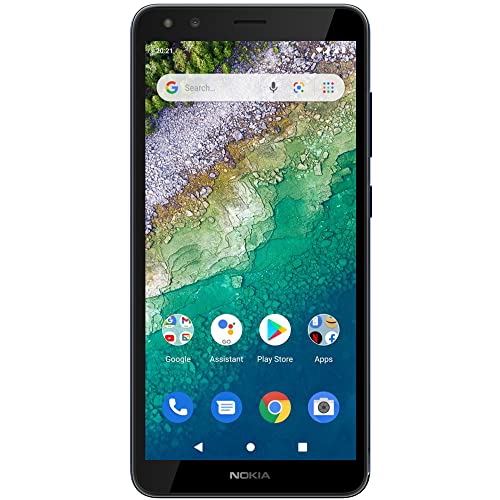


Description
Make every moment count with Nokia C01 Plus. The sharp HD+ screen makes you feel closer to your video calls and immerses you in your favourite shows, while its HDR camera and front and rear flashes capture what’s most important to you. With a snappy octa-core processor, 4G and long-lasting battery, it’ll also keep you connected all day. It also comes with Android 11 (Go Edition), which saves data and storage, while also offering better privacy and usability. Compatibility: This device is designed to work with GSM carriers. This product will not support Verizon or Verizon subsidiaries. Please confirm compatibility with your chosen carrier before purchasing. For support with SIM card or network related issues, please contact your carrier for assistance in connecting your device to the chosen compatible network. Supported Network bands: 2G: 850 / 900 / 1800 / 1900 3G: 850 / 900 / 1700(AWS) / 1900 4G/LTE: 2, 4, 5, 7, 8, 28 Charging: This product is designed to be charged using the charging adapter and charging cable that are provided in the product box. Charging this device with any other charging adapter or cable may cause device malfunction. Please observe basic safety steps when charging this device and do not charge this product with malfunctioning or damaged equipment. Current Software Version: Android 10 Bluetooth Version/Range: 4.2 – 30’ Range FAQ How can I install available updates? In many cases updating your product to the latest software version will alleviate any issues experienced. To update your device please navigate to Settings > System > System update > Check for update to check if updates are available. Follow the on screen prompts to install the latest software version if available.= How can I close an app that has stopped working? Open Settings on your phone and select Apps. Then find the app you’re having issues with and select Force Stop. I want to conserve battery life. How can I activate the Power Saver mode? On your phone, open Settings, then choose and activate Battery Power Saving. Please also be aware that battery life depends on a variety of factors such as device usage frequency, application requirements, your current operating system, and cellular signal strength. How can I back up my files? Navigate to Settings > System > Backup, and switch backup on. How can I reset my smartphone’s network settings? Navigate to Settings > Network & Internet > more_vert > Reset. Performing this reset may help if you’re having connection issues. How do I connect my phone to my carrier network? If your Nokia phone and network are compatible, place your SIM card in the SIM card tray using the included SIM card removal tool to open the SIM tray. Once your SIM card has been inserted into the device, power on your phone and proceed through the product setup steps. If you are not able to connect to your network after finalizing the product setup, please contact your carrier support for additional assistance as every carrier has different steps to assist you in ensuring your product connects to their compatible network. How can I ensure other people hear me on my microphone? If you are experiencing microphone issues with your device and your product has a Google Assistant button, please ensure that the Google Assistant button is not stuck or dirty as this will cause the microphone to not function as intended. If the Google Assistant button is not obstructed, please ensure that there is no dirt or debris in the headphone port of your product. If the headphone port is also clear, please disable the microphone permission of the Google Assistant, by going to Settings > Apps & Notifications > Google App > Permission > Microphone > Deny. How can I turn up the volume to my speaker? First, please ensure that there is no dirt or debris in the headphone port of your product. If your headphone port is clear, please make sure that “Do Not Disturb” is not enabled. To disable this setting, navigate to Settings > Do not disturb. Make sure this is toggled off. If Do Not Disturb is off, navigate to Settings > Sounds and vibration > Volume > move the Media slider to the right to increase volume and test your speaker. If you are still not able to hear any audio, check the settings of the application that you are using from the Settings menu as many applications will have their own volume settings. Why is my phone feeling warm, closing apps or occasionally slowing down? During extended operation, the device may feel warm. In most cases, this is normal. To avoid getting too warm, the device may automatically slow down, dim display during a video call, close apps, switch off charging, and if necessary, switch itself off. If the device is not working properly, take it to the nearest authorized service facility. How do I reboot my smartphone when it’s not responding? If your phone is unresponsive, you can perform a “soft reset” by pressing the volume up key and the power button simultaneously for about 15 seconds (or until phone vibrates). Your phone should then restart momentarily. This is a safe and quick way to reboot your device without losing or erasing any data. My phone won’t charge. What should I do? First ensure the issue isn’t with the power source or socket you’re using – you can quickly check this by plugging your phone into a different outlet, then checking if it charges. If the socket is not the issue, try taking a closer look at the power cable or charging port on your phone, ensuring everything appears as it should. Then, try turning your phone off completely and plugging it into the socket – bear in mind if the battery is completely drained, it might take up to 2 or 3 minutes to start charging. How can I contact support? Our customer support page offers a number of ways that you can contact support. Please visit the Nokia website for further assistance. How do I fix touch sensitivity issues on my phone? Before performing any additional troubleshooting steps, please ensure that your product does not show any physical damage, has not been exposed to water, the screen is clean, and your fingers and hands are not wet or dirty. Please also remove any 3rd party screen protectors that you may have on the device as non Nokia branded screen protectors may decrease the touch sensitivity of the device. If none of these solutions resolve the issue that you are facing, please perform a hard reset back to factory settings. Please note: a hard reset will completely erase all the data, settings and content on your smartphone, returning it to the original factory settings. We strongly advise that you back up your device before a hard reset. Visit here to learn more about how to back up your smartphone remotely. To reset your smartphone and erase all its content, first make sure your phone is connected to a power source. We also recommend that your battery is at least 50% charged when you perform a hard reset. Press the volume up key and the power button simultaneously for about 30 seconds or until the root menu appears. Then choose the action you want to take from the root menu, in this case “Wipe data/factory reset”. Alternatively, you can also perform a hard reset by tapping Settings > Backup & Reset > Factory data reset > Reset phone > Erase everything.
HD+ Screen with video calls.Form_factor : Bar.Display resolution maximum:720×1440 pixels
Octa-core and 4G connectivity
5MP front and rear cameras with LED flash
Android 11 (Go edition) with a long lasting battery
Product is compatible with GSM carriers. Carrier network coverage is dependent upon the carrier’s service area. Product is not compatible with Verizon. Please confirm compatibility and product support with your carrier before you order.





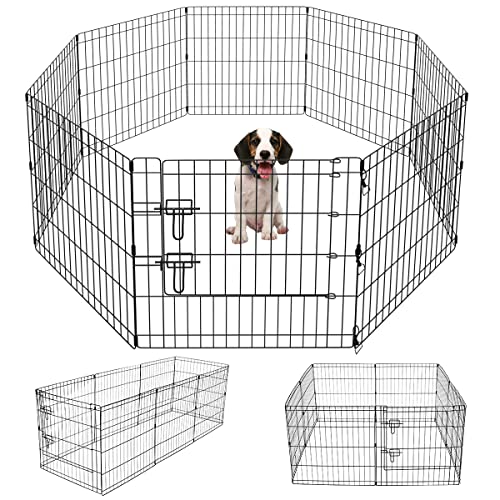 Pet Playpen Puppy Playpen Kennels Dog Fence Exercise Pen Gate Fence Foldable Dog Crate 8 Panels 24 Inch Kennels Pen Playpen Options Ideal for Pet Animals Outdoor Indoor Artmeer(24 Inch)
  Things We Hide from the Light (Knockemout Series, 2) Paperback – February 21, 2023
  Dokotoo Womens Relaxed Fit High Waist Casual Pocketed 2023 Hiking Outdoor Summer Shorts S-XL
 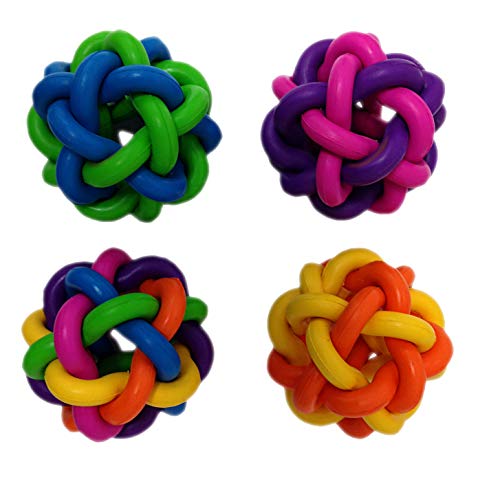 Multipet Nobbly Wobbly Ball Large Dog Toy
 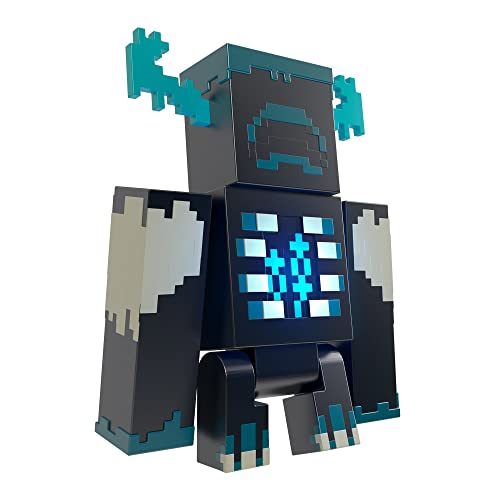 Mattel Minecraft Warden Action Figure with Lights, Sounds & Attack Mode, Collectible Toy Inspired by Video Game, 3.25-Inch
 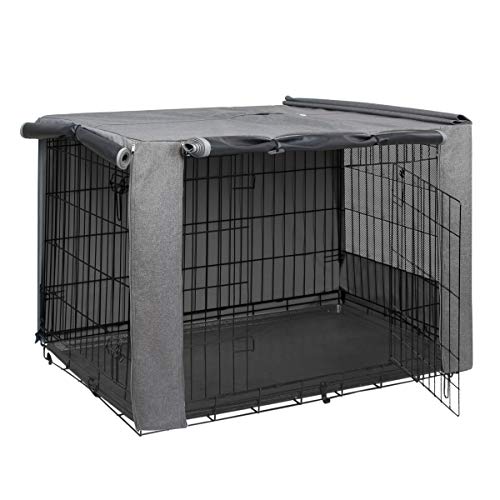 HiCaptain Folding Metal Dog Crate Cover for 36 Inch Wire Pet Cage(Two-Tone Gray)
 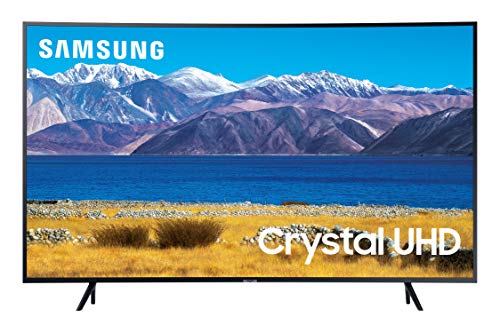 SAMSUNG 55-inch Class Curved UHD TU-8300 Series - 4K UHD HDR Smart TV With Alexa Built-in (UN55TU8300FXZA, 2020 Model), CHARCOAL BLACK
  PUMA Women's Blur Running Shoes
 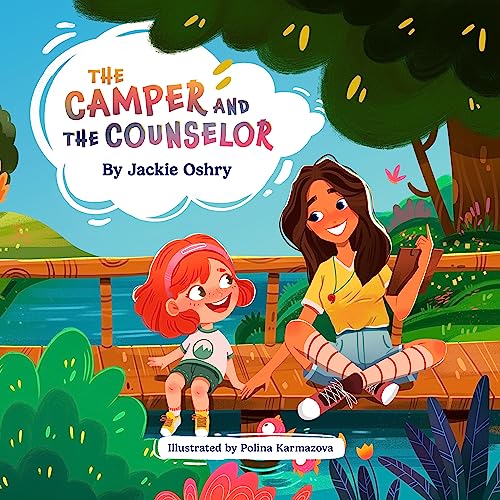 The Camper and The Counselor Hardcover – Picture Book, October 10, 2023
  White Ceramic Vases - Modern Round Matte Donut Design for Pampas Grass and Flowers - Ideal for Minimalist, Boho, and Modern Home Decor, Shelf Decor, Vases for Decor (Set of 2)
 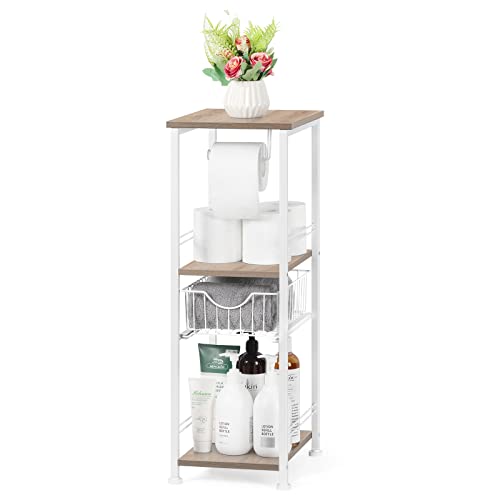 Bathroom Storage Cabinet Freestanding Bathroom Shelf with Drawer Toilet Paper Holder Stand 3 Tier Bathroom Towel Storage Organizer for Bathroom Laundry Room Entryway Kitchen Pantry, Light Oak
 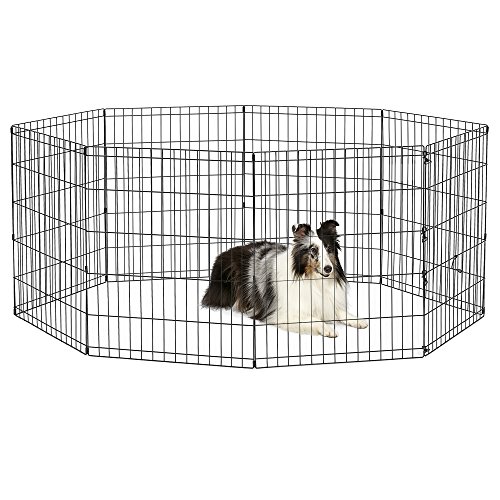 New World Pet Products 30" Foldable Black Metal Dog Exercise Pen No Door
 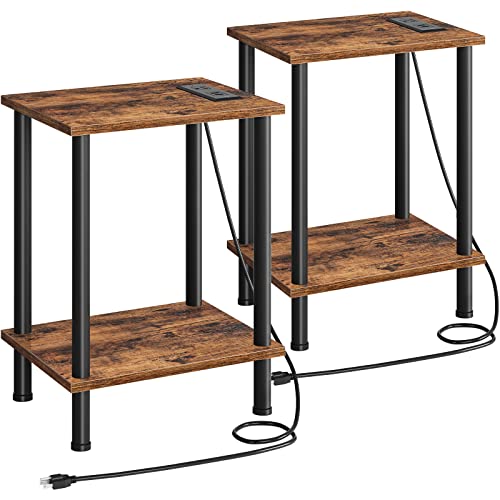 HOOBRO Side Table with Charging Station, Set of 2 End Tables with USB Ports and Outlets, Nightstand with 2-Layer Storage Shelves for Small Spaces, Living Room, Bedroom, Rustic Brown BF09UBZP201
  Wooden Step Stools for Adults Kids with Non-Slip Rubber Feet, Heavy Duty Stepping Stools with 500-LBS Capacity for Bedroom Kitchen Bathroom, Bed Steps for High Beds, Easy to Assemble, Rustic Brown
  CDE Forever Love Heart Necklaces for Women, Wedding Anniversary, Birthday Mothers Day Gifts for Mom, Mother, Wife, Girlfriend, S925 Silver Jewelry with Birthstone Pendant
  Beam & Bask Rose Flower Heart Moissanite Necklaces for Wife, S925 Silver Pendant for Women, 18K Gold Plated Jewelry for Her Girlfriend Mom for Anniversary Birthday
 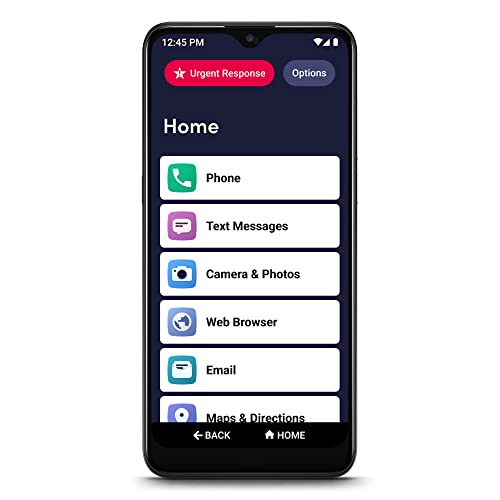 LIVELY Jitterbug Smart3 Smartphone for Seniors
  Beatrice Home Fashions Portable, Collapsible, Pop Up Travel Pet Kennel, 32.5" L x 19" W x 18" H, Black
  Gihuo Women' s Striped 2 Piece Outfits Crewneck Knit Pullover Sweater Shorts Set
  Carhartt mens Rain Defender Loose Fit Heavyweight Quarter-zip Sweatshirt
  BENTOPAL Interactive Dog Toy Wicked Ball for Indoor Cats/Dogs with Motion Activated/USB Rechargeable
 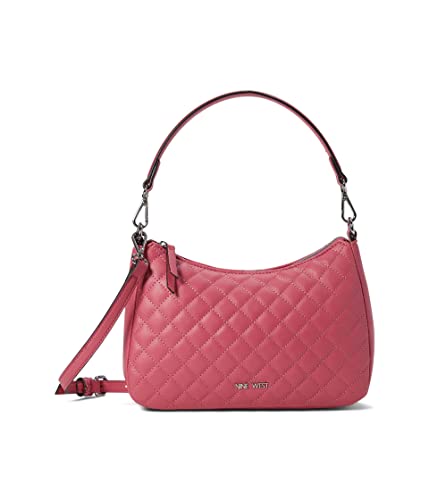 Nine West Rhea Shoulder Crossbody
 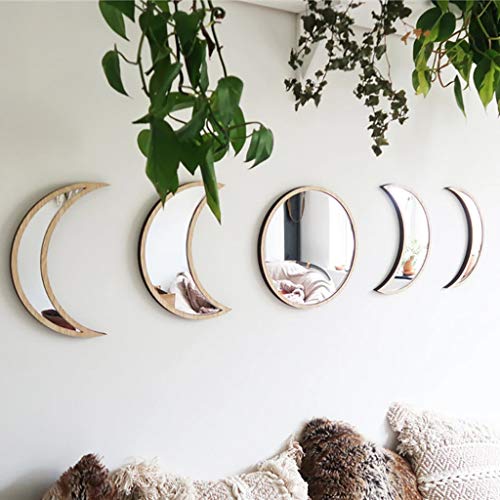 5 Pieces Scandinavian Natural Decor Acrylic Wall Decorative Mirror Interior Design Wooden Moon Phase Mirror Bohemian Wall Decoration for Home Living Room Bedroom Decor - Acrylic,Not Real Mirror(Beige)
 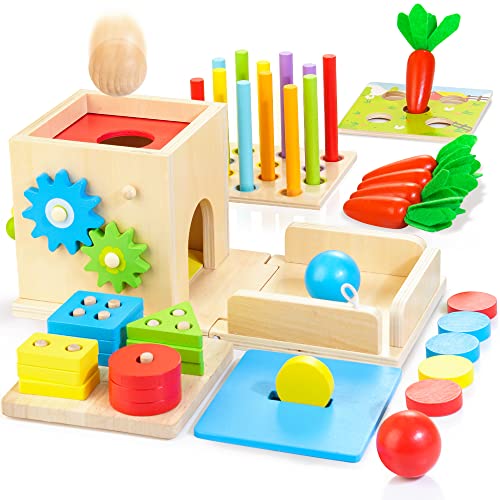 Kizfarm Wooden Montessori Baby Toys, 8-in-1 Wooden Play Kit Includes Object Permanent Box, Coin Box, Carrot Harvest, Shape Sorting & Stacking - Christmas Birthday Gift for Boys Girls Toddlers
  Kids Washable Makeup Girls Toys - Girls Makeup Kit for Kids Make up Set Real Makeup for Kid Little Girls Toddlers Children Princess Christmas Birthday Gifts Toys for 3 4 5 6 7 8 9 10 Year Old Girls
 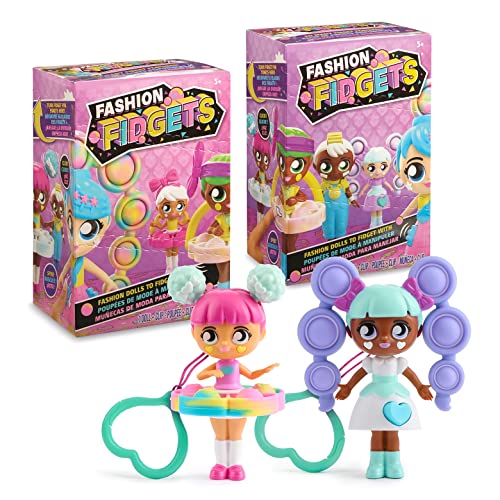 Fashion Fidgets Sensory Toy Dolls – Push Pop Fidget Toy Pack of 2 – Anxiety and Stress Relief for Kids
 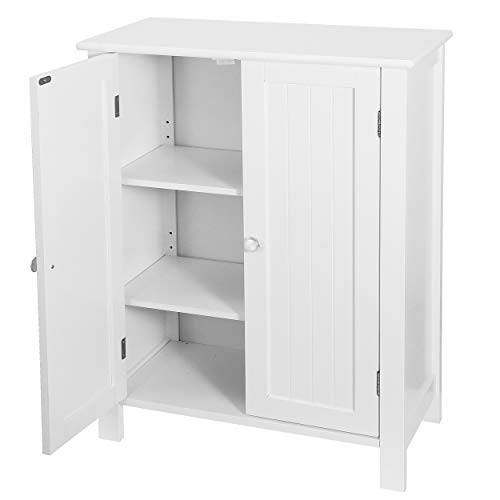 SUPER DEAL Modern Bathroom Floor Storage Cabinet with Adjustable Shelf and Double Door Rust Proof, Living Room Modern Home Furniture Storage Organizer Cabinet
  Nero DVD Player Software | DVD Media Playback | Playing DVDs | Windows 11/10 | 1 PC (Unlimited (Lifetime License))
 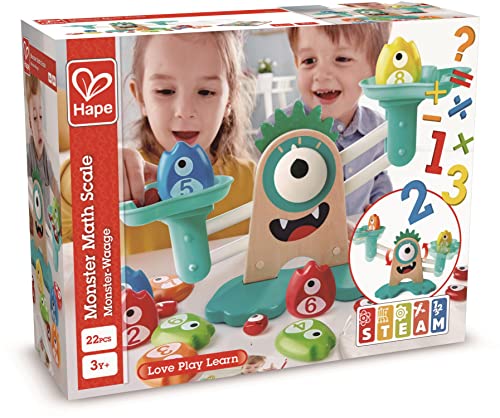 Hape Math Monster Scale Toy, STEAM Toy, L: 15, W: 7.1, H: 5.6 inch
  Music Software Bundle for Recording, Editing, Beat Making & Production - DAW, VST Audio Plugins, Sounds for Mac & Windows PC
  RAINBEAN Bean Bag Chair Cover(it was only a Cover, not a Full Bean Bag), Big Round Soft Fluffy PV Velvet Sofa Bed Cover, Living Room Furniture, Lazy Sofa Bed Cover,5ft dark grey(Cover only,No Filler).
 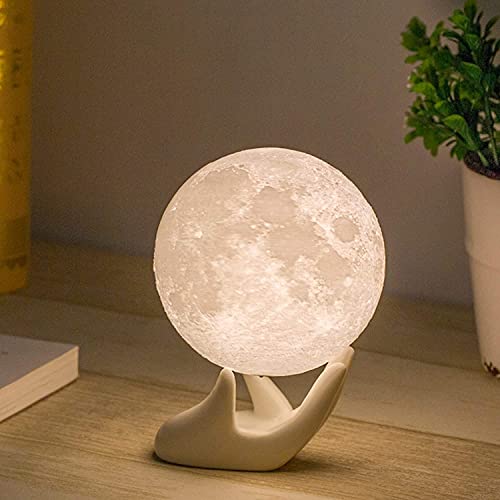 Mydethun Moon Lamp - Home Décor, Mood Lighting with Brightness Control, LED Night Light, Bedroom, Sleep Training Meditation,Birthday Gifts for Kids Women, Ceramic Hand Base, 3.5", White & Yellow
 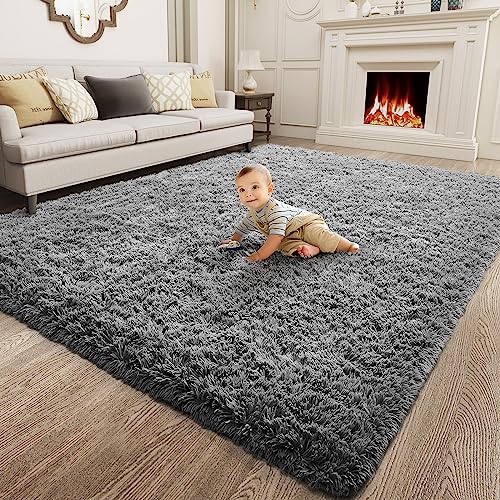 Ophanie Area Rugs for Bedroom Living Room, Grey Fluffy Fuzzy Shag Shaggy Carpet Soft Plush Furry Bedside Rug, Indoor 4x5.3 Floor Rug for Kids Girls Boys Home Decor Aesthetic, Dorm Nursery Gray



Reviews
There are no reviews yet.