


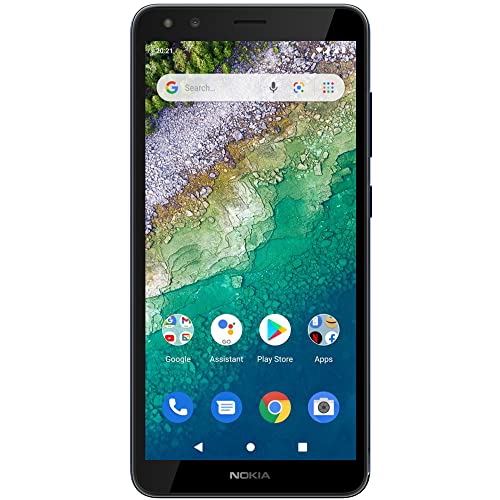


Description
Make every moment count with Nokia C01 Plus. The sharp HD+ screen makes you feel closer to your video calls and immerses you in your favourite shows, while its HDR camera and front and rear flashes capture what’s most important to you. With a snappy octa-core processor, 4G and long-lasting battery, it’ll also keep you connected all day. It also comes with Android 11 (Go Edition), which saves data and storage, while also offering better privacy and usability. Compatibility: This device is designed to work with GSM carriers. This product will not support Verizon or Verizon subsidiaries. Please confirm compatibility with your chosen carrier before purchasing. For support with SIM card or network related issues, please contact your carrier for assistance in connecting your device to the chosen compatible network. Supported Network bands: 2G: 850 / 900 / 1800 / 1900 3G: 850 / 900 / 1700(AWS) / 1900 4G/LTE: 2, 4, 5, 7, 8, 28 Charging: This product is designed to be charged using the charging adapter and charging cable that are provided in the product box. Charging this device with any other charging adapter or cable may cause device malfunction. Please observe basic safety steps when charging this device and do not charge this product with malfunctioning or damaged equipment. Current Software Version: Android 10 Bluetooth Version/Range: 4.2 – 30’ Range FAQ How can I install available updates? In many cases updating your product to the latest software version will alleviate any issues experienced. To update your device please navigate to Settings > System > System update > Check for update to check if updates are available. Follow the on screen prompts to install the latest software version if available.= How can I close an app that has stopped working? Open Settings on your phone and select Apps. Then find the app you’re having issues with and select Force Stop. I want to conserve battery life. How can I activate the Power Saver mode? On your phone, open Settings, then choose and activate Battery Power Saving. Please also be aware that battery life depends on a variety of factors such as device usage frequency, application requirements, your current operating system, and cellular signal strength. How can I back up my files? Navigate to Settings > System > Backup, and switch backup on. How can I reset my smartphone’s network settings? Navigate to Settings > Network & Internet > more_vert > Reset. Performing this reset may help if you’re having connection issues. How do I connect my phone to my carrier network? If your Nokia phone and network are compatible, place your SIM card in the SIM card tray using the included SIM card removal tool to open the SIM tray. Once your SIM card has been inserted into the device, power on your phone and proceed through the product setup steps. If you are not able to connect to your network after finalizing the product setup, please contact your carrier support for additional assistance as every carrier has different steps to assist you in ensuring your product connects to their compatible network. How can I ensure other people hear me on my microphone? If you are experiencing microphone issues with your device and your product has a Google Assistant button, please ensure that the Google Assistant button is not stuck or dirty as this will cause the microphone to not function as intended. If the Google Assistant button is not obstructed, please ensure that there is no dirt or debris in the headphone port of your product. If the headphone port is also clear, please disable the microphone permission of the Google Assistant, by going to Settings > Apps & Notifications > Google App > Permission > Microphone > Deny. How can I turn up the volume to my speaker? First, please ensure that there is no dirt or debris in the headphone port of your product. If your headphone port is clear, please make sure that “Do Not Disturb” is not enabled. To disable this setting, navigate to Settings > Do not disturb. Make sure this is toggled off. If Do Not Disturb is off, navigate to Settings > Sounds and vibration > Volume > move the Media slider to the right to increase volume and test your speaker. If you are still not able to hear any audio, check the settings of the application that you are using from the Settings menu as many applications will have their own volume settings. Why is my phone feeling warm, closing apps or occasionally slowing down? During extended operation, the device may feel warm. In most cases, this is normal. To avoid getting too warm, the device may automatically slow down, dim display during a video call, close apps, switch off charging, and if necessary, switch itself off. If the device is not working properly, take it to the nearest authorized service facility. How do I reboot my smartphone when it’s not responding? If your phone is unresponsive, you can perform a “soft reset” by pressing the volume up key and the power button simultaneously for about 15 seconds (or until phone vibrates). Your phone should then restart momentarily. This is a safe and quick way to reboot your device without losing or erasing any data. My phone won’t charge. What should I do? First ensure the issue isn’t with the power source or socket you’re using – you can quickly check this by plugging your phone into a different outlet, then checking if it charges. If the socket is not the issue, try taking a closer look at the power cable or charging port on your phone, ensuring everything appears as it should. Then, try turning your phone off completely and plugging it into the socket – bear in mind if the battery is completely drained, it might take up to 2 or 3 minutes to start charging. How can I contact support? Our customer support page offers a number of ways that you can contact support. Please visit the Nokia website for further assistance. How do I fix touch sensitivity issues on my phone? Before performing any additional troubleshooting steps, please ensure that your product does not show any physical damage, has not been exposed to water, the screen is clean, and your fingers and hands are not wet or dirty. Please also remove any 3rd party screen protectors that you may have on the device as non Nokia branded screen protectors may decrease the touch sensitivity of the device. If none of these solutions resolve the issue that you are facing, please perform a hard reset back to factory settings. Please note: a hard reset will completely erase all the data, settings and content on your smartphone, returning it to the original factory settings. We strongly advise that you back up your device before a hard reset. Visit here to learn more about how to back up your smartphone remotely. To reset your smartphone and erase all its content, first make sure your phone is connected to a power source. We also recommend that your battery is at least 50% charged when you perform a hard reset. Press the volume up key and the power button simultaneously for about 30 seconds or until the root menu appears. Then choose the action you want to take from the root menu, in this case “Wipe data/factory reset”. Alternatively, you can also perform a hard reset by tapping Settings > Backup & Reset > Factory data reset > Reset phone > Erase everything.
HD+ Screen with video calls.Form_factor : Bar.Display resolution maximum:720×1440 pixels
Octa-core and 4G connectivity
5MP front and rear cameras with LED flash
Android 11 (Go edition) with a long lasting battery
Product is compatible with GSM carriers. Carrier network coverage is dependent upon the carrier’s service area. Product is not compatible with Verizon. Please confirm compatibility and product support with your carrier before you order.


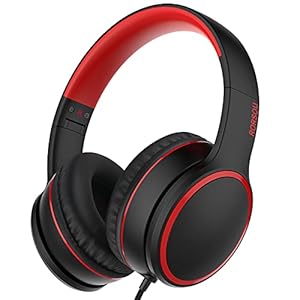


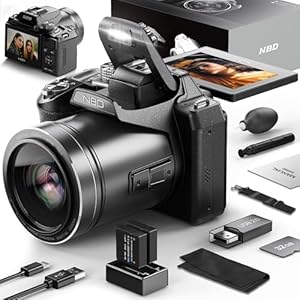


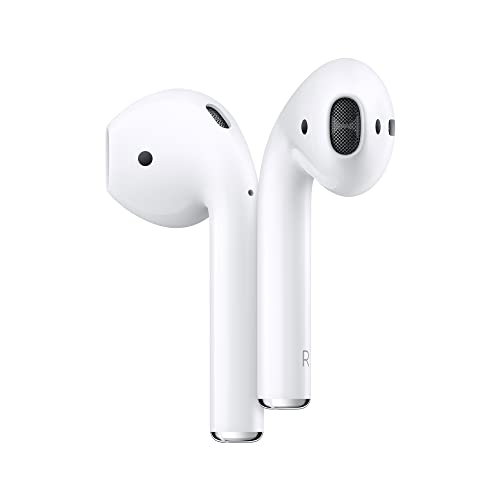 Apple AirPods (2nd Generation) Wireless Earbuds with Lightning Charging Case Included. Over 24 Hours of Battery Life, Effortless Setup. Bluetooth Headphones for iPhone
  Laptop, 15.6" Laptop Computer, Intel Quad-Core Processor Windows 11 Laptop, 16GB DDR4 512GB SSD, Up to 2TB,180° Open Angle, Metal Shell, WiFi, USB3.2, Type C
 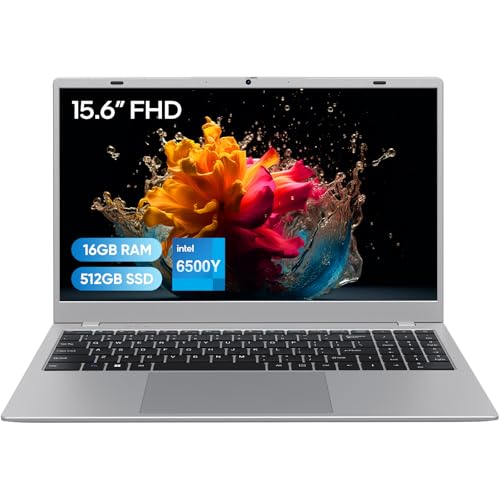 Laptop Computer, 16GB RAM/512GB SSD, 15.6" FHD IPS, Pentium Gold 6500Y Processor(Beats Core M3-8100Y, Up to 3.4GHz), Win11 Pro, WiFi 5/BT 5.0, Great for Office & Online Courses
  Jolly Pets Romp-n-Roll Rope and Ball Dog Toy, 6 Inches/Medium, Blueberry, Model Number: 606 BB, All Breed Sizes
 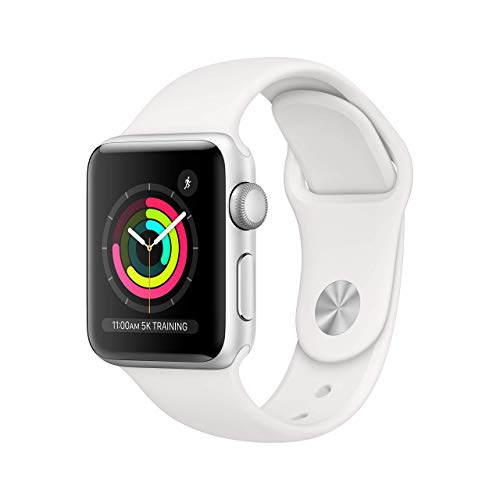 Apple Watch Series 3 (GPS, 38MM) - Silver Aluminum Case with White Sport Band - (Renewed)
 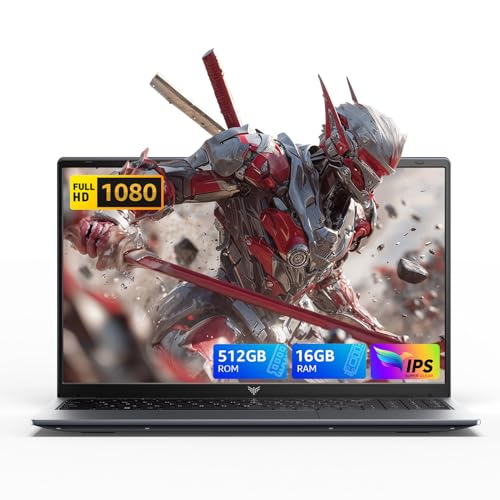 2025 Laptop,15.6-inch IPS with Windows 11 PRO Laptop with Quad-Core N97(Up to 3.6GHz),16GB DDR4 512GB SSD,Metal Shell, BT5.0, 5G WiFi, USB3.2, Type_C, Webcam, 38Wh Battery
 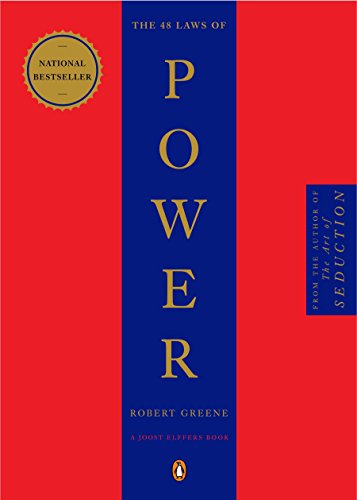 The 48 Laws of Power Paperback – September 1, 2000
 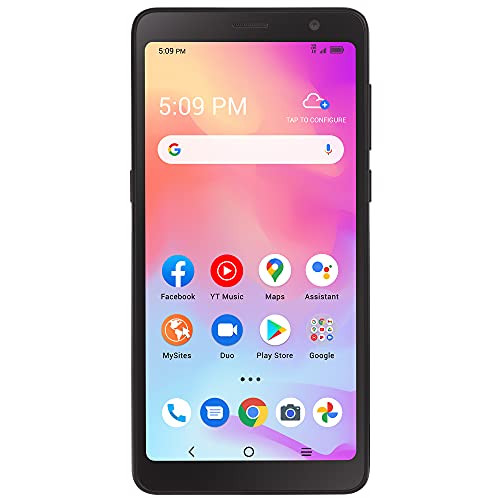 Tracfone Alcatel TCL A3, 32GB, Black - Prepaid Smartphone (Locked)
 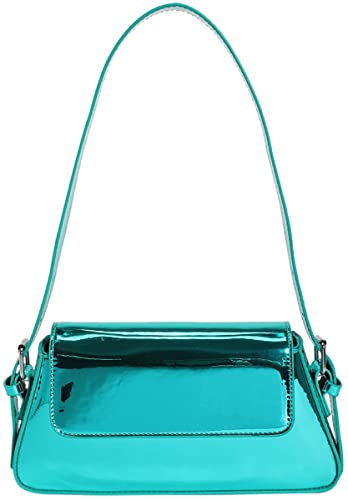 Women's Hobo Bag PU Leather Shoulder Bag Glossy Handbag Underarm Purse Top Handle Satchels Small Totes
 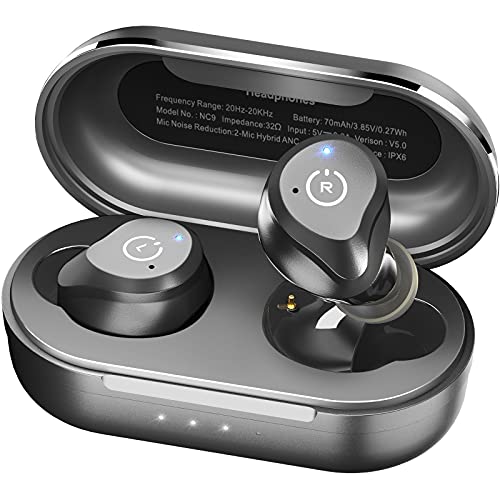 TOZO NC9 2022 Version Hybrid Active Noise Cancelling Wireless Earbuds, in Ear Headphones IPX6 Waterproof Bluetooth 5.3 Stereo Earphones, Immersive Sound Premium Deep Bass Headset Matte Black
 ![Apple Watch Series 8 [GPS 41mm] Smart Watch w/Midnight Aluminum Case with Midnight Sport Band – S/M. Fitness Tracker, Blood Oxygen & ECG Apps, Always-On Retina Display, Water Resistant](https://m.media-amazon.com/images/I/317o8cxuiAL.jpg "Apple Watch Series 8 [GPS 41mm] Smart Watch w/Midnight Aluminum Case with Midnight Sport Band – S/M. Fitness Tracker, Blood Oxygen & ECG Apps, Always-On Retina Display, Water Resistant") Apple Watch Series 8 [GPS 41mm] Smart Watch w/Midnight Aluminum Case with Midnight Sport Band - S/M. Fitness Tracker, Blood Oxygen & ECG Apps, Always-On Retina Display, Water Resistant
Apple Watch Series 8 [GPS 41mm] Smart Watch w/Midnight Aluminum Case with Midnight Sport Band - S/M. Fitness Tracker, Blood Oxygen & ECG Apps, Always-On Retina Display, Water Resistant 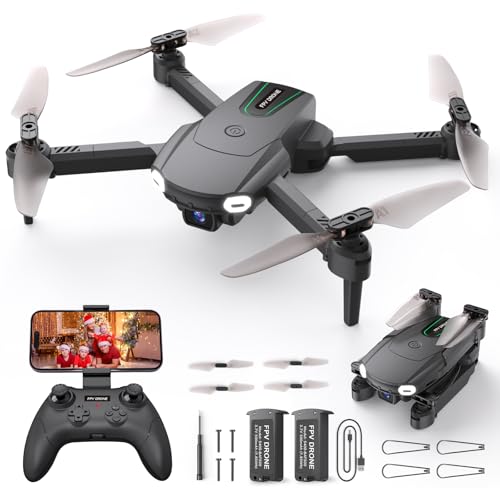 Foldable Drone with Camera for Kids Beginners - Remote Control Helicopter Toys Gifts for Boys Girls, 1080P HD FPV RC Drones with 2 Batteries, One Key Start/Land, Altitude Hold, Gesture Selfie, Black
  Software Engineering at Google: Lessons Learned from Programming Over Time 1st Edition
  Yatao Digital Cameras for Photography and Vlogging, 6K 64MP Flip Screen, Dual Lens, Microphone for Video, 64GB TF Card, Compact Photo WiFi Camera for YouTube Kit Travel, Beginners (Black)
  PetSafe ScoopFree Premium Crystal Cat Litter - Ultra-Absorbent Silica Universal Litterbox Crystals - Non-Clumping Odor Control - Lavender Scent - 8 lb Bag - 3 Pack
 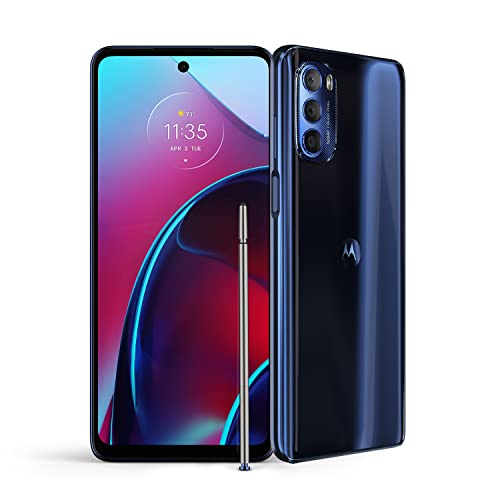 Motorola Moto G Stylus | 2022 | 2-Day battery | Unlocked| Made for US by Motorola | 6/128GB | 50MP Camera | Twilight Blue
 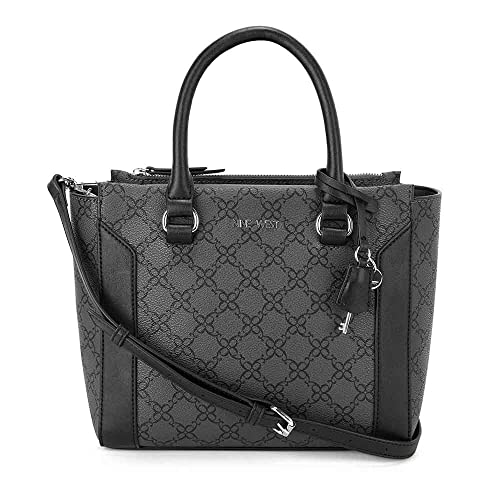 Nine West Hewes Satchel
  Roulens Small Crossbody Bag for Women,Cell Phone Purse Women's Shoulder Handbags Wallet Purse with Credit Card Slots
  EMMIOL Women's 2025 Wide Leg Jeans Distress Mid Waist Denim Pants Vintage Y2K Trousers
  Outward Hound Invincibles Mini Pig Plush Dog Toy, XS
  Multipet Gumby Plush Filled Dog Toy, Green, 9 inch (Pack of 1)
 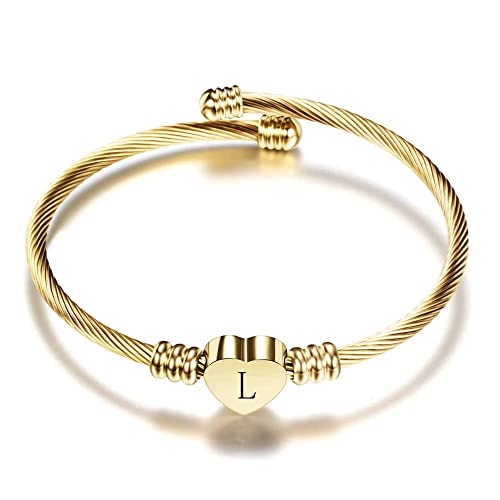 VQYSKO Gold Kids Bracelets for Girls-A to Z Stainless Steel Heart Initial Baby Girl Jewellery, Birthday Gifts for Girls Aged 2-10
 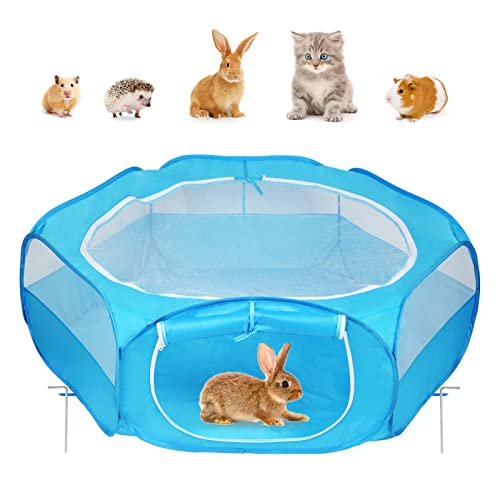 Amakunft Small Animal Playpen with Cover & Door, Guinea Pig Playpen with Top & Waterproof Bottom, Hamster Play Pen wiht Roof, Fit for Rabbit/Bunny/Bearded Dragon/Chick/Chinchilla/Hedgehog(Blue)
 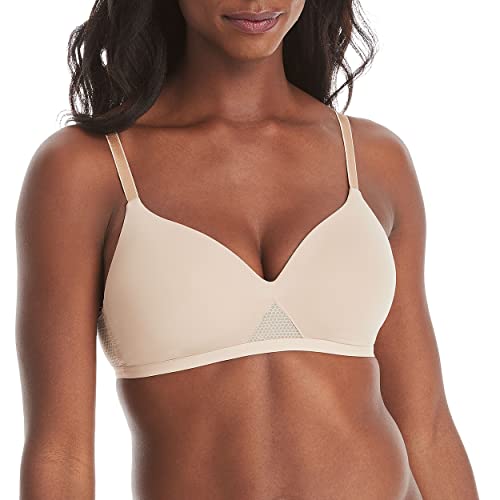 Hanes ComfortFlex Fit Women's Oh So Light Wireless Bra with Comfort Foam, Full-Coverage T-Shirt Bra (S-3XL), MHG521
  Spirich Home Bathroom Freestanding Storage Cabinet with Two Tier Open Shelves, Tall Slim Cabinet with Door and Drawer, Free Standing Linen Tower (Espresso)
  TACVASEN Men's Winter Jacket with Hood Water Repellent Windproof Thicken Parka Winter Coat
 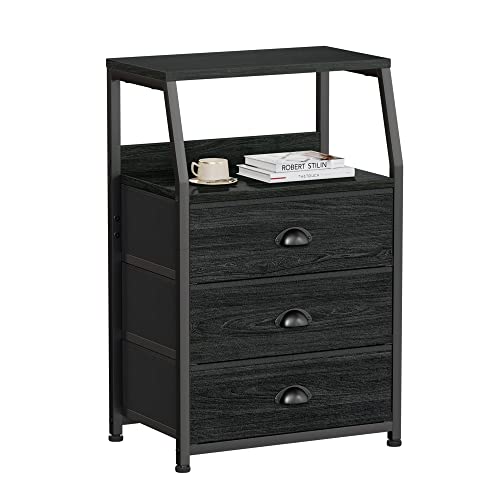 Furnulem Black Dresser for Bedroom, Small Nightstand with 3 Fabric Storage Drawers and 2-Tier Shelf, End Table Side Furniture for Closet, Hallway, Nursery, Sturdy Steel Frame, Wood Top (Black Oak)



Reviews
There are no reviews yet.